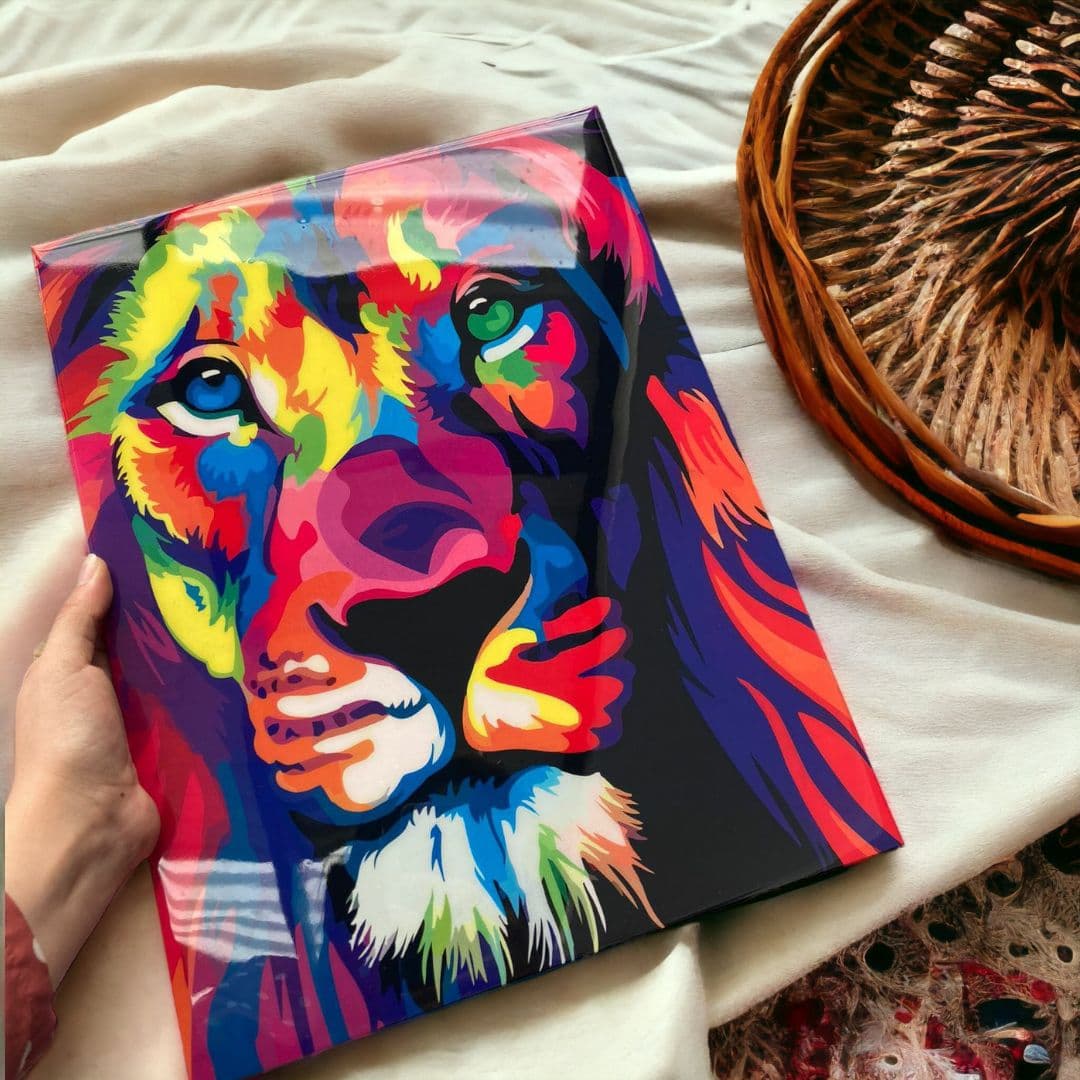
The quality of your print depends heavily on the quality of your design file. Here's what you need to know before submitting your order.
Resolution: 300 DPI Minimum
Always work at 300 DPI (dots per inch) or higher at actual print size. Low-resolution images will look blurry or pixelated when printed.
File Formats We Accept
- PNG (preferred for designs with transparency)
- JPG (great for photos)
- PDF (ideal for vector/print-ready files)
- AI or PSD (if you're working with Adobe software)
- SVG (for vector artwork)
Color Mode: RGB vs CMYK
For sublimation, RGB color mode typically produces the most accurate results. If your file is in CMYK, we'll convert it, but slight color shifts may occur.
Background Tips
For mugs, mousepads, and metal sheets — white backgrounds are part of the substrate, so design accordingly. Use transparent backgrounds (PNG) if you want the product color to show through.
When in Doubt, Ask
Not sure if your file is ready? Upload it and add a note in your order. We'll review it before printing and let you know if adjustments are needed.